Risk and Safety Solutions
Building case tracking management servicing UC and CSU campuses

CONTEXT
The Project
My Role
UX Design Intern leading the new Tracking Feature
Team
2 Designers,
2 Researchers
Duration
July 2025 - Present
Tools
Figma, Figjam, Dovetail, v0, Magic Patterns
COMPANY OVERVIEW
What is Risk and Safety Solutions?
Risk and Safety Solutions (RSS) is a cloud-based B2B SaaS platform for environmental health, safety, and risk management.
RSS serves UC and CSU campuses, healthcare systems, research labs, public health agencies, government bodies, and industry partners.
INITIAL BRIEF
Ergonomists face inefficiencies and disorganization, causing lost records and communications in meeting employee ergonomic needs.
Target Audience (Who are Ergonomists?)
Ergonomists adjust and optimize workplaces for safety and efficiency. RSS serves ergonomists who support thousands of employees at major university campuses and hospitals, such as UCs and CSUs.
RESEARCH PLAN
Establishing goals for our research — what can we learn about ergonomist needs?
We conducted user interviews with 6 ergonomists, each session spanning around 1 to 1.5 hours long.
My personal contributions were helping create the research plan, and being the notetaker for interviews.
Goal #1
Understand Ergonomists' Workflow
Our current lack of research on Ergonomists' workflow impede our goals of improving their digital workspace
Goal #2
Evaluate Our Prototype
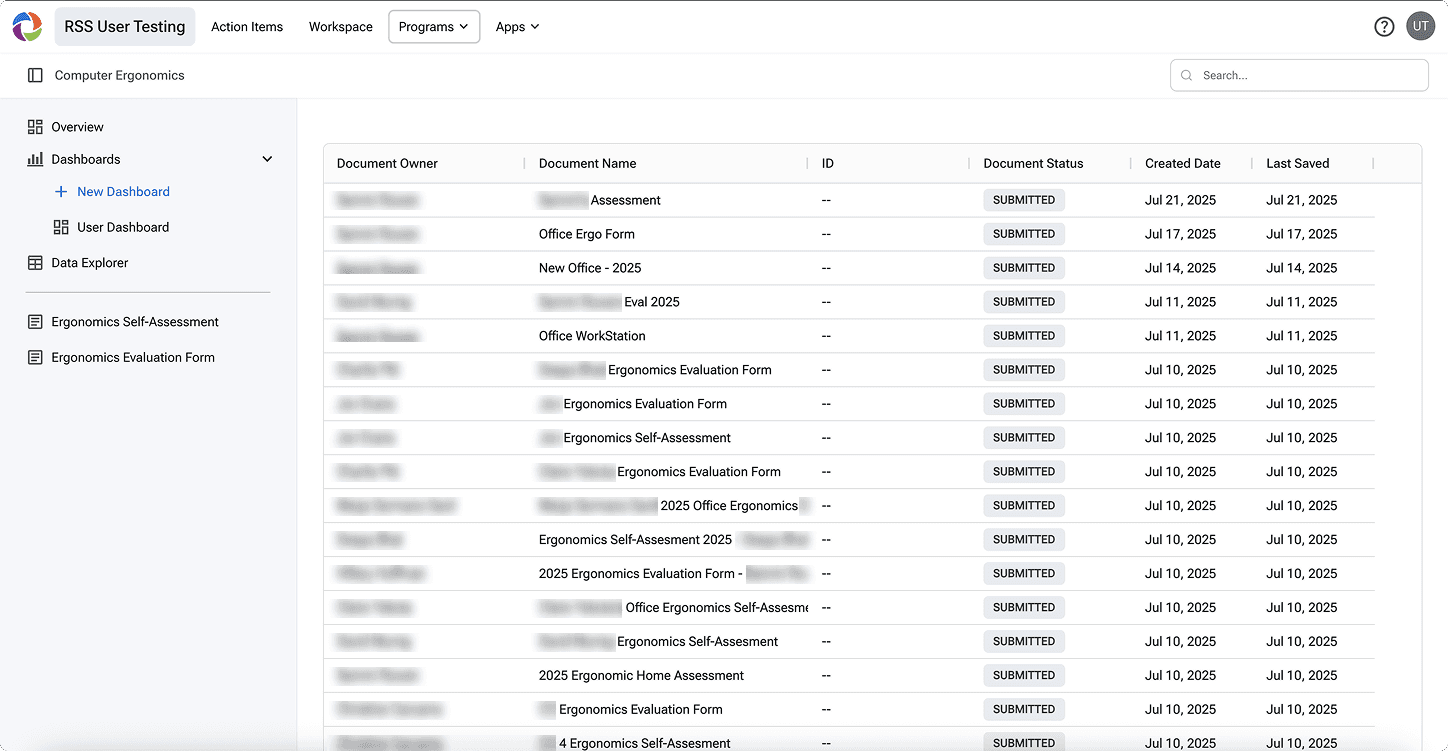
Currently, Ergonomists' two essential documents (self-assessment & evaluation) live in different programs. Our newest prototype merges them
CODING TRANSCRIPTS
Extracting 400+ key quotes from over 8 hours of transcripts
Participants signed comprehensive consent forms and gave their verbal consent to be recorded. We used Zoom to record and Dovetail to decode their transcripts. After, we manually combed through all their transcripts, highlighting and tagging quotes we thought provided valuable insight to reaching our goals.
My personal contributions were coding for 2 out of the 6 participants (P002 & P006).
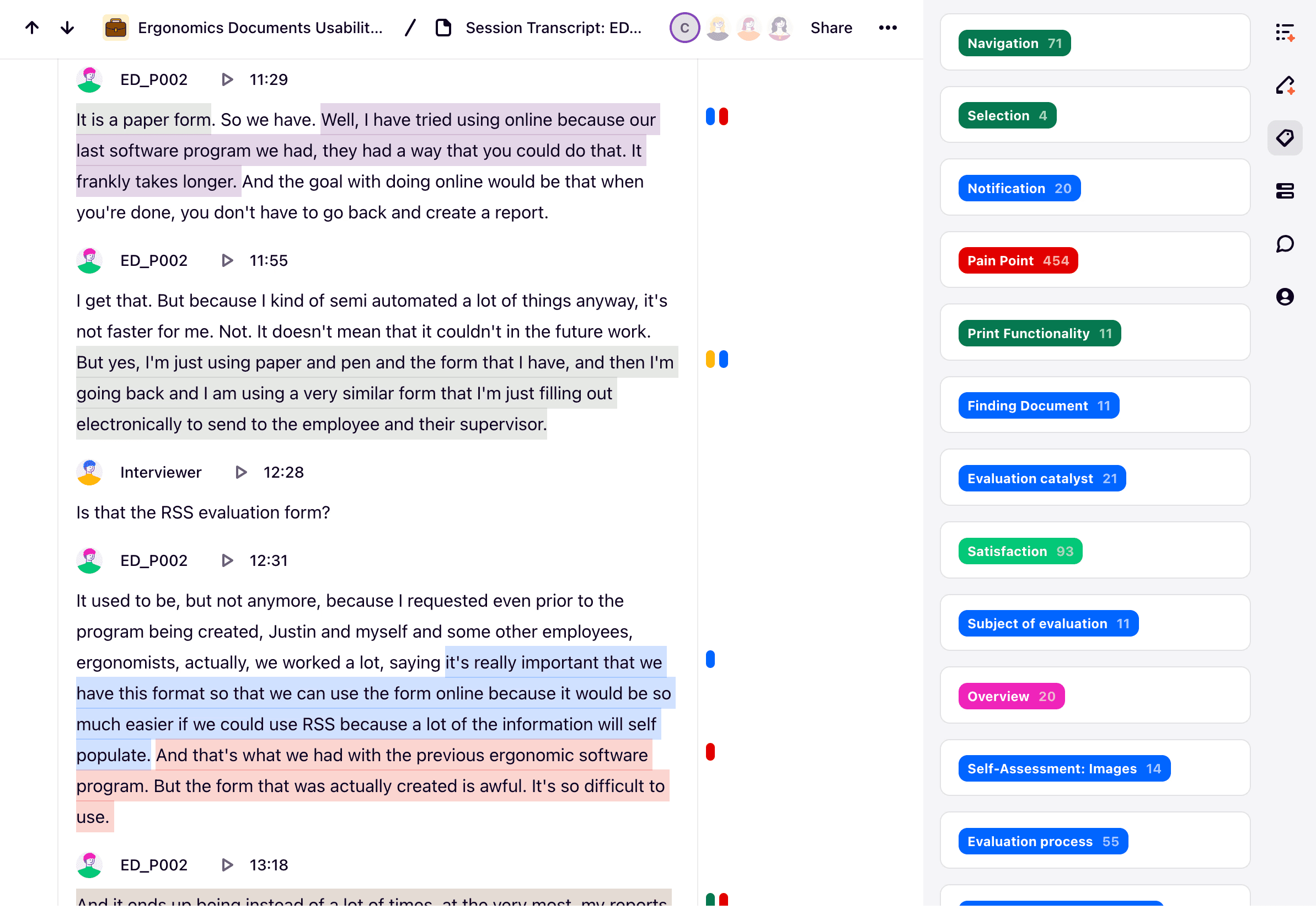
a snapshot of my coding for P002
AFFINITY MAPPING
Organizing quotes to understand the ergonomist workflow and needs
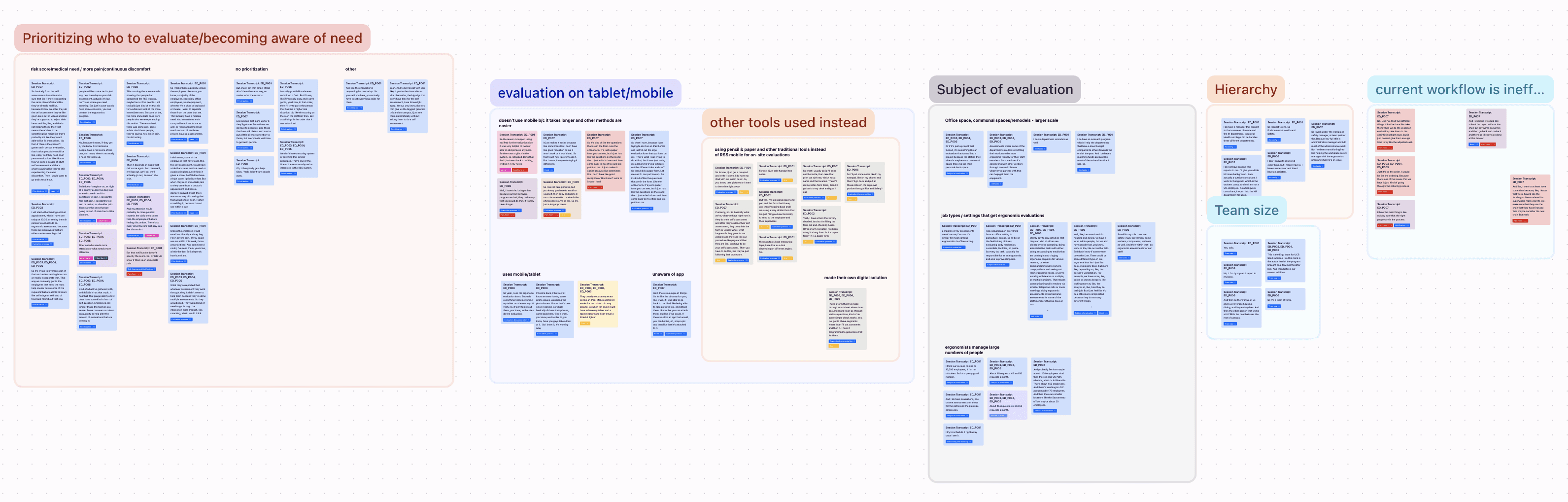
We took our 400+ quotes into a canvas and began to organize and group them based on similar emerging themes. We then wrote a "What?" "So what" and "Now what?" statement for each big insight to help summarize our research into actionable items.
My personal contributions included organizing and synthesizing the quotes related to the ergonomists' current workflow and metrics related to their work (200+ quotes), such as how many employees they serve.
End-to-end workflow
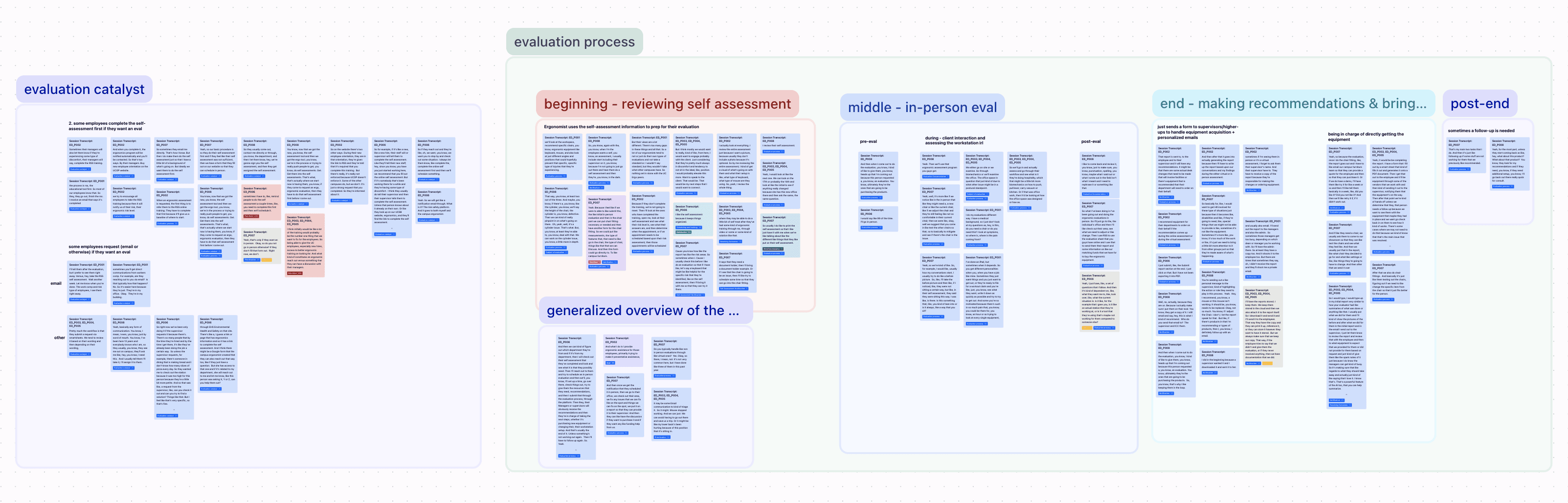
General Metrics about their work
PAIN POINTS
Understanding the recurring paint point of stress and disorganization
When checking the quote board, I realized that most of the pain points revolved around tracking communication and case progress. Thus, I created a new section in the quote board called "Tracking" where I mapped people's thoughts, focusing on their pain points. I found three main themes.
Tracking needs & pain points
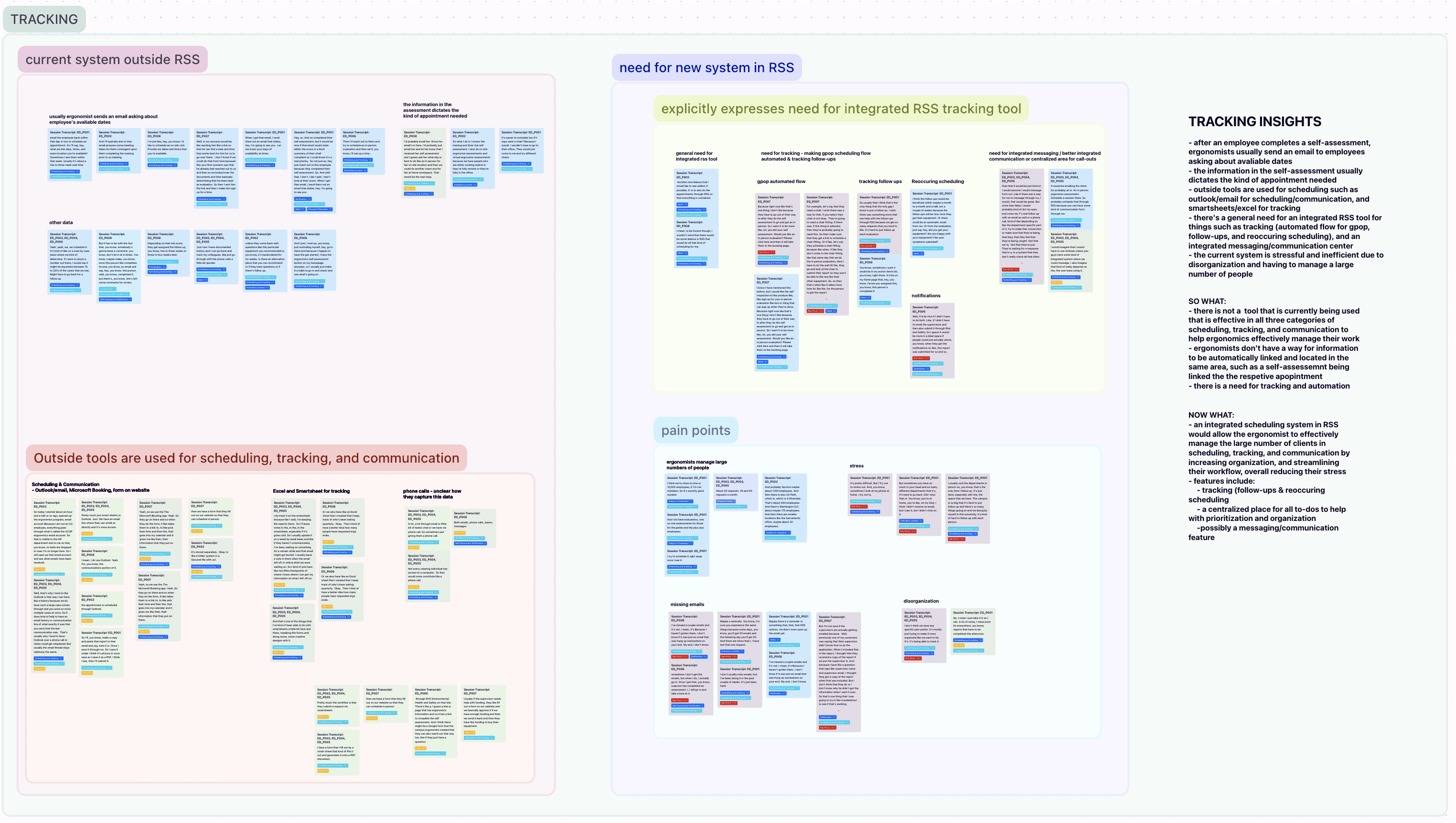
Pain Point #1: Ergonomists manage a large number of people
"Yes, [I work] solo. So I think we're close to nine or 10,000 employees [that we support], if I'm not mistaken." - Participant 1
"About 45 requests. 45 and 50 requests a month." - Participant 3
Pain Point #2: Ergonomists are stressed from their workload
"But sometimes you have so much in your head and so many different departments that it's, it's hard to go back. Did I miss that or. You know, you're at home, you're like, oh my God, I think I didn't receive an email, but I saw it, but I didn't click on it.." - Participant 1
Pain Point #3: Ergonomists end up losing emails
"I've missed a couple emails and…I don't know if it was just an email that was hung up somewhere on your end. My end. I don't know." - Participant 8
JOURNEY MAPPING
Ergonomists face large influxes of emails and updates throughout their workflow, creating a need for an overarching tracking tool
I first reviewed all of the transcripts to map the common steps ergonomists take in their end-to-end process, noting down their Jobs To Be Done (green section). I noted down whenever they were receiving or sending communication (blue section), which painted the picture of when they fall into their main pain point of managing and losing communication with their clients (red stars)
Journey Map

the red text:
"large amounts of emails and requests to keep track of causes ergonomists to sometimes lose emails, and feel disorganized/stressed out"
was a recurring pain point in their process, and it appeared whenever a red envelope in icon appeared (indicating that the ergonomist receives input, whether that be an email, form submission, or in-person request).
HOW MIGHT WE?
How might we create a tool to help Ergonomists be more organized in managing and tracking the employees they serve, ultimately reducing their overall stress?
Their Current Tool
Most use just incoming emails to track cases, leading to losing emails or losing track of the state of a current case.
They need to continuously switch between the RSS platform and email to complete their job.
A Hypothetical New Tool
Our new tool would be integrated directly into the RSS Platform, meaning that documents submitted onto RSS would directly connect to and update each cases' status, giving ergonomists one place to track and access all information
NORTH STAR/VISION PROTOTYPE
Creating the dream vision that guides our product forwards
I created the most ideal prototype for our users to help me synthesize the most important aspects of their product. This product ignores the business and development constraints.
Features
Auto-population of new entries
New requests would be automatically populated into the table based on if a form was submitted in the system
Customizable dashboard
Ergonomists can surface their most important to-dos such as upcoming appointments or responding to submitted documents/incoming requests
Easy access to documents
The side panel allows the user to easily view all of one employee's relevant documents
Surfacing important info
Information from certain documents (e.g. chief complaint, risk score) can be easily surfaced to the table
TEST PROTOTYPE
Creating the test prototype that guides our MVP
I then stripped back the prototype, considering what are the most important aspects of the prototype to meet ergonomists' needs.
Changes made
Added onboarding
We wanted to include onboarding so participants could walk us through what's important to them when organizing information
Changing the visual UI
We want test participants to understand that this is a test prototype and what they see may not be implemented. A different design system and a more mid-fi look was used to accomplish this
Removal of other views
Other views are a "nice to have," but may not be necessary
This project is a work in progress! We are currently recruiting to test the prototype. Please come back later to see more updates!